Skip to content

Accessible Multimedia Checklist
How to create captions
Process
- Transcribe the audio
- Edit for clarity and accuracy
- Add timestamps
- Include speaker labels where helpful
- Review for readability
Captions should:
- Use short readable line lengths
- Break at natural pauses
- Avoid blocking essential visuals
Many teams:
- Use captioning software
- Outsource for speed and accuracy
Creating transcripts
You can:
- Export text from your caption file
- Remove timestamps
- Group lines into readable paragraphs
- Add speaker names
- Add headings
- Add links and clarifications where helpful
Transcripts should:
- Be structured with headings
- Use paragraphs, not caption fragments
- Include important visual information
- Be easy to find (placed under or near the video)
- If the transcript includes added clarifications, mark them clearly using brackets or headings.
Styling and placement
Best practice:
- Allow user control over caption size where possible
- Avoid styling that reduces contrast
- Ensure captions do not obscure critical content
- Place transcript directly below the video or provide a clear link
- Ensure caption controls are visible
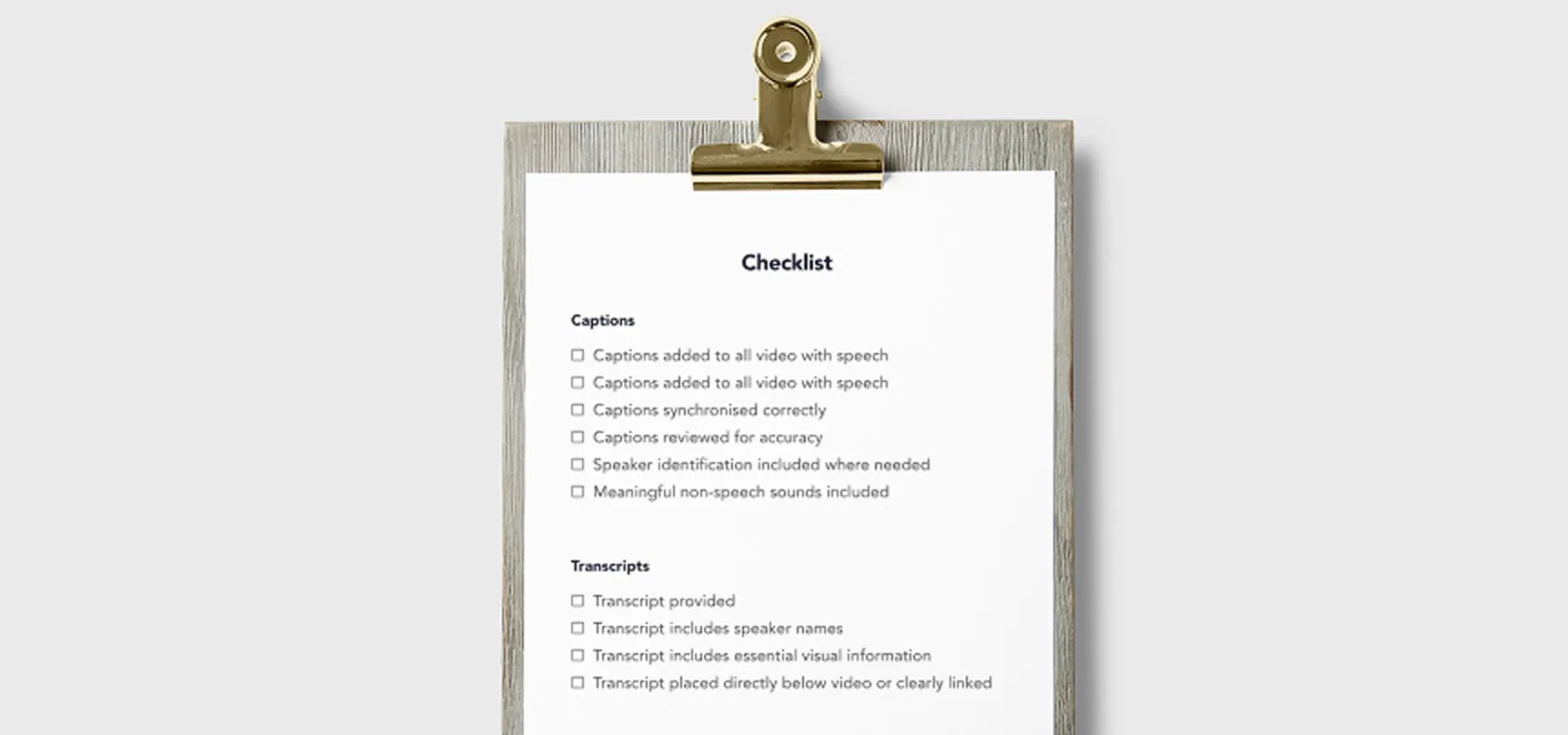
Accessible video publishing checklist
Before publishing, confirm:
Captions
- Captions added to all video with speech
- Captions synchronised correctly
- Captions reviewed for accuracy
- Speaker identification included where needed
- Meaningful non-speech sounds included
Transcripts
- Transcript provided
- Transcript includes speaker names
- Transcript includes essential visual information
- Transcript placed directly below video or clearly linked
Usability
- Captions easy to turn on
- Captions readable with sufficient contrast
- Video playable without requiring mouse
Audio description
- Important visuals described in main audio
- Separate audio description provided if needed
Live media
- Live captions arranged
- Recording edited for caption accuracy
Automatic captions:
- Automatic captions manually reviewed and corrected